
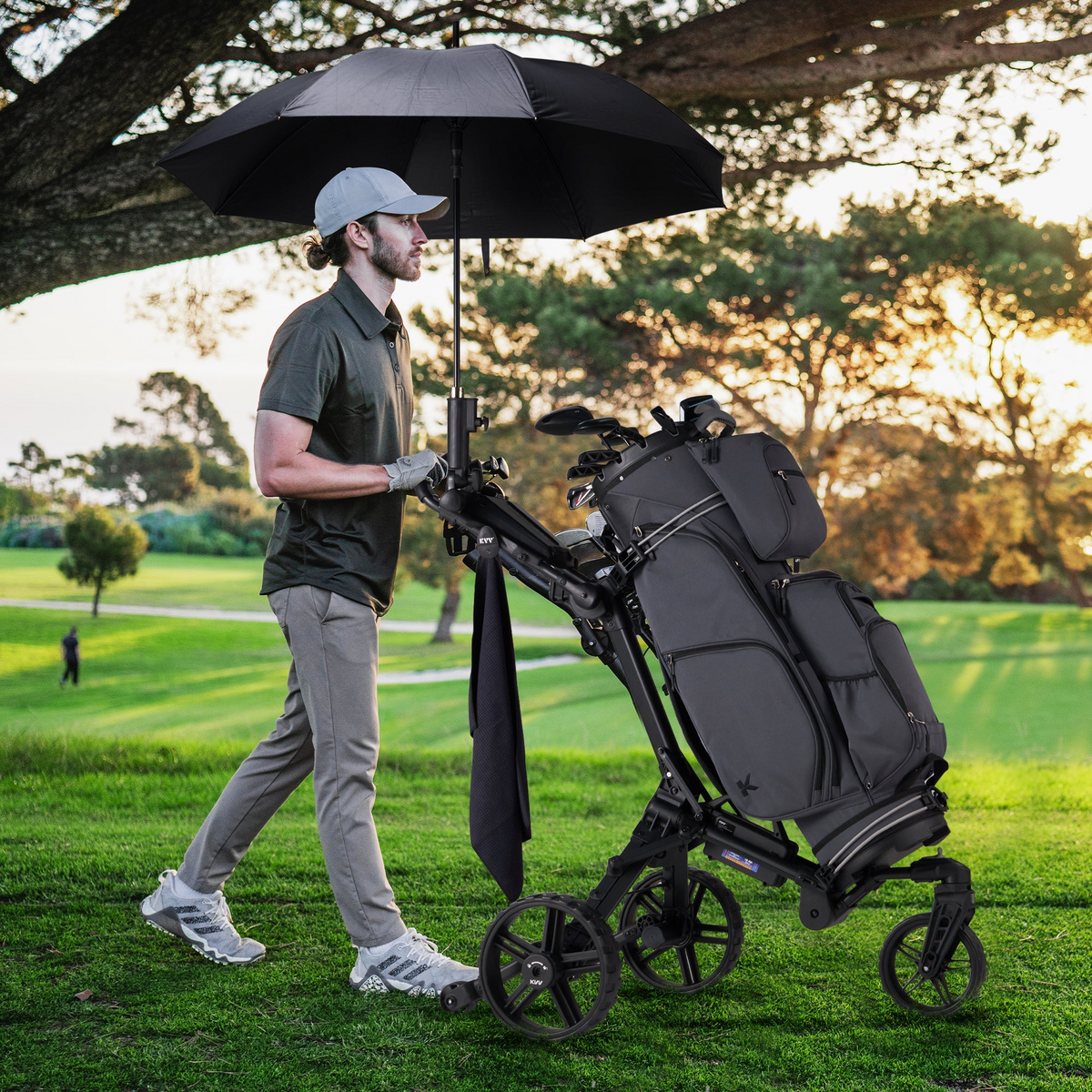
Electric Golf Trolley Maintenance: Complete Care Guide for KVV Electric Golf Push Cart with Remote Control

Pre-Round & Post-Round Maintenance Checklist
1. Clean the Brake Assembly
Grass clippings and sand easily get trapped inside the cable brake rocker and pivot on the inner rear wheel. Use a soft brush to clear debris from the brake assembly after every round.
Tip: Do not use high-pressure water spray directly on the brake cable linkage, as water can cause rust on moving parts.
2. Inspect Tires for Air Leaks & Damage
Check tire condition before you head to the golf course. Focus inspection points on the valve stem and the junction between tire and rim. Apply soapy water to these areas; continuous bubbles indicate air leakage. Also check tire sidewalls and tread for cuts, embedded stones or cracks.
Tip: If you spot leaks, inflate or repair the tire before playing golf.
Refer to professional golf push cart tire maintenance tips for proper tire inspection and leak detection methods.
3. Tighten Wheel Axle Nuts
Vibration during use may loosen wheel axle nuts. Periodically use a suitable wrench to check and gently tighten the axle nuts. Do not over-tighten, which will restrict wheel rotation.
4. Check Motor Wiring & Plug Connections
Visually inspect the motor wiring harness and motor plug. Gently push the plug to confirm it is fully seated. Look for frayed wires, loose connectors or signs of burn marks. Stop using the cart immediately if damaged wiring is found.
5. Maintain Your Golf Cart Lithium Battery
Inspect the battery housing and indicator window. Wipe dirt, grass residue off the plastic shell with a dry or slightly damp soft cloth. Do not spray water directly onto ports. Store the battery in a cool dry place when not in use.
Always follow standard lithium battery safety guidelines for storage and handling.
Long-Term Seasonal Storage Tips
- Fully clean your cart and remove all grass, dirt and sand before long-time storage.
- Take the battery off the frame, store separately at room temperature.
- Fold the cart following the official folding steps of the KVV Electric Golf Push Cart.
- Keep the cart in dry indoor space, avoid long-term exposure under sunlight or rain.
Troubleshooting Common Cart Faults
Remote Controller Lost Connection – Re-Pairing
If your cart remote stops communicating and fails to control the cart, re-pair the remote and cart. Confirm the remote has fresh batteries before starting the pairing procedure.
Official KVV tutorial video: https://www.youtube.com/shorts/to17RAa-H5E
Loose Speed Control Knob Repair
A loose speed adjustment knob may cause intermittent response or complete failure to adjust speed. Inspect the knob’s mounting structure. If internal plastic components wear out, replace the knob assembly.
Official KVV tutorial video: https://youtu.be/5oLgCEp_MP8
Motor Error Code Detection & Troubleshooting
When your cart shows motor error alerts, start by checking motor plugs and wiring (as shown above). Confirm no loose connectors or damaged cables. If the fault persists, perform deeper motor diagnosis. Stop using the cart right away if burnt wiring or short circuit risks are detected.
Note: If you are unfamiliar with electrical repairs, reach out to KVV customer support for assistance.
Wheel Replacement Guide
When tires suffer irreparable damage, swap out the complete wheel assembly. Clean the axle surface before installation, fit gaskets and axle nuts correctly. Do not over-tighten axle nuts, which will bind wheel rotation.
Official KVV tutorial video: https://www.youtube.com/watch?v=kDKWva83U9M
Tip: After installation, manually roll the cart first to confirm wheels spin freely before powering on.
FAQ
How often should I maintain my electric golf push cart?
Do basic cleaning and visual inspection after every round. Full detailed inspection (brake, wiring, axle nuts) once every 10 rounds of golf.
Can I wash the whole cart with a garden hose?
Not recommended. High-pressure water can seep into motor, wiring and brake assembly, causing rust or short circuit. Use a damp microfiber cloth and soft brush only.
What should I do if my cart brake sticks?
First clean grass and sand out of the brake rocker and pivot. If the issue remains, check the brake cable tension. Contact KVV support for professional adjustment.
My remote won’t connect after replacement, what should I do?
Confirm remote battery power, then complete the re-pairing process. If pairing still fails, check cart battery power and receiver connection.
Conclusion
A few minutes of routine maintenance keeps your electric golf push cart working smoothly round after round. Simple checks on brakes, tires, wheel nuts, wiring and battery help you avoid unexpected failures mid-game. If you run into remote pairing, speed knob, motor or wheel issues, use our troubleshooting guide and reference videos for support.
Shop our reliable KVV Electric Golf Push Cart with Remote Control built for long-lasting performance on the golf course.